
Emissions — Reports
Emissions reports turn your carbon data into documents that comply with your country's regulatory frameworks. Each report aggregates an emissions calculation (the source snapshot), formats it to the official layout expected by the competent authority and exports it as a submission-ready PDF. This is where your work culminates: equipment, invoices, Scope 3 and recommendations converge into auditable proof of compliance.
dAio covers the main global frameworks — CSRD/ESRS, GHG Protocol, BEGES, SECR, SEC Climate Disclosure — so you need neither reformat your data nor master every local regulation.
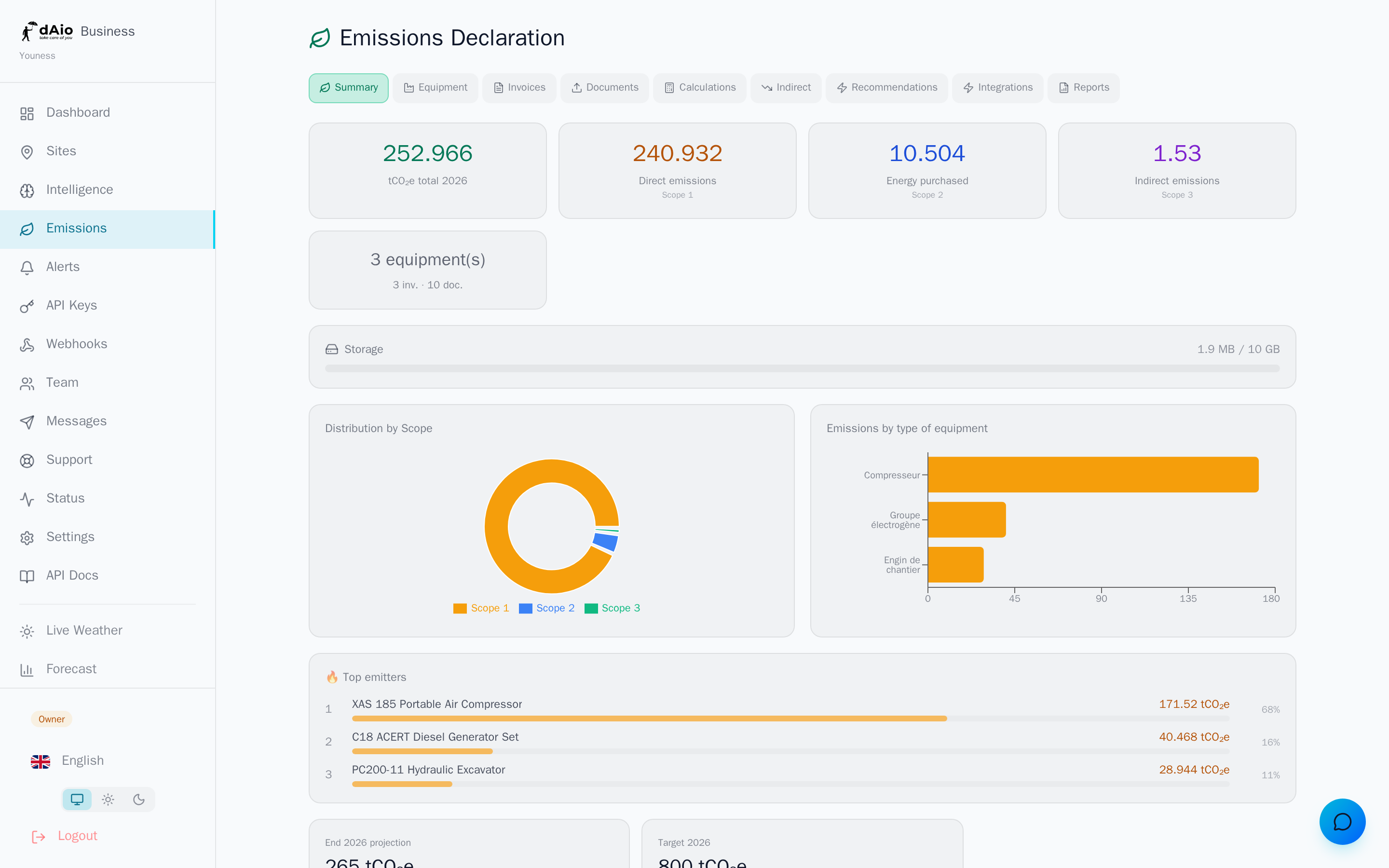
Tip: before generating a report, run an up-to-date calculation from the Emissions dashboard. The report freezes the figures of the most recent snapshot: incomplete data will produce an incomplete document.
Generate a report
- Open the Reports tab on the Emissions page.
- Choose a template from the suggestions tailored to your country, or browse all formats by region.
- Confirm generation in the cost window (50 LLM credits per report).
- The PDF is computed, downloaded automatically and added to your history.
Every report includes an AI analysis: a written executive summary, contextual commentary on year-over-year variations and reduction pathways. This added value explains the credit cost.
Tip: templates recommended for your country appear first, flagged with the Recommended badge. They match the regulatory framework most likely to apply to your organisation.
Templates by country
18 formats are available, grouped by region and aligned with local regulations:
| Region / Country | Format | Framework covered |
|---|---|---|
| France | BEGES | Regulatory GHG balance |
| European Union | CSRD / ESRS | Corporate sustainability reporting |
| International | GHG Protocol | Scopes 1, 2 and 3 |
| United Kingdom | SECR | Streamlined Energy and Carbon Reporting |
| United States | SEC Climate Disclosure | Regulated climate disclosure |
| United Arab Emirates | MOCCAE | National GHG Reporting |
| Canada | ECCC | GHG Reporting Program |
And other national formats, expandable by region in the interface.
Report language
Two modes determine the language of the final document:
| Mode | Behaviour |
|---|---|
| SIMPLE | The report is written in your interface language. |
| Regulatory | The report is written in the official language of the template's country (e.g. French for BEGES, English for the SEC). |
Tip: for an official filing, favour the Regulatory mode. The authority usually expects the document in its working language, and a single-language report avoids back-and-forth.
Statuses and lifecycle
A report follows a three-state lifecycle designed to guarantee regulatory traceability:
| Status | Description |
|---|---|
| Draft | Report generated, still editable. You can regenerate a new version. |
| Final | Report locked, audit-ready. Confirms that the data is complete and the emission factors correct. |
| Submitted | Report marked as transmitted to the competent authority. The data is frozen and serves as a reference. |
Warning: the transition Draft → Final → Submitted is irreversible. A status cannot be downgraded, in order to preserve compliance and traceability. To correct figures after finalisation, generate a new report rather than editing the existing one.
History
All generated reports are kept in the history, with their template, version, year, file size and generation date. You can:
- Download a report as PDF at any time, even after submission.
- Advance its status (Draft → Final → Submitted).
- Delete an obsolete report (action confirmed).
Tip: keep every finalised version. In the event of an audit, the versioned history demonstrates the continuity of your measurement effort year over year.
Compliance disclaimer
dAio reports are reporting aids. They rely on the emission factors and data you provide. Verifying, validating and filing with the competent authority remains your responsibility. For binding use, have the report validated by an accredited expert or auditor.
Best practices
- Recalculate before generating: an up-to-date snapshot guarantees a faithful report.
- Complete your data: include equipment, invoices and Scope 3 items before producing a regulatory report.
- Choose the right framework: prefer the template recommended for your country, unless contractually bound to another standard (e.g. CSRD for a European group).
- Finalise at the right time: only move to Final once the figures are consolidated — the status is irreversible.
- Archive each reporting year: one report per year and per framework, kept in the history, builds your verifiable carbon trajectory.
Tip: automate the upstream by connecting your data sources through integrations. Fresh, continuous data makes every regulatory report nearly instant.