
Emissions — AI Recommendations
Once your carbon footprint is consolidated, dAio moves from measurement to action. Based on your latest emissions calculation, the artificial intelligence analyses your highest-emitting items and generates a list of prioritised, quantified recommendations: for each one, you know the expected CO₂ reduction, the implementation cost, the annual saving and the return on investment.
The goal: turn an assessment into a concrete roadmap that holds up before your management team as well as an auditor.
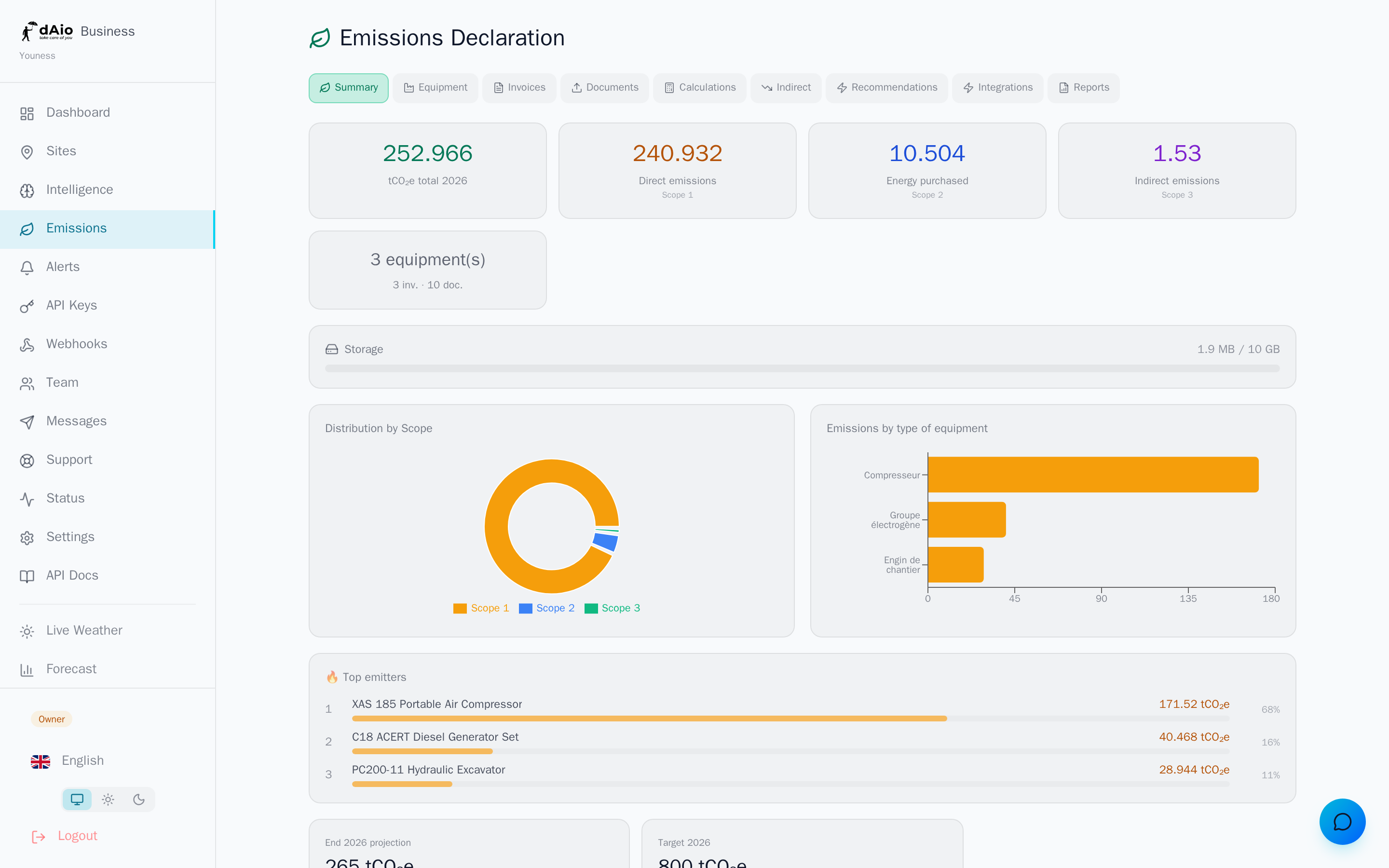
Tip: generate your recommendations after calculating an up-to-date snapshot (Emissions overview). The more complete your equipment, invoices and Scope 3 data, the more relevant the AI's suggestions and the more precise their figures.
Generate recommendations
- Open the Emissions section, then the Recommendations tab.
- Click Generate recommendations.
- A confirmation window displays the LLM credit cost of the operation. Confirm to launch the analysis.
- The AI studies your latest snapshot and produces a list sorted by priority. Processing usually takes a few seconds.
Warning: generation consumes LLM credits drawn from the quota of your subscription. The exact cost (by default 50 credits) and your remaining balance are shown before any confirmation — no generation is launched without your approval.
Recommendation categories
Each recommendation belongs to one of the three following categories, identifiable by its colour in the list:
Quick win
Measures that can be applied immediately, without major investment, for fast gains:
- Optimise equipment operating hours
- Eliminate unnecessary trips and journeys
- Adjust heating and air-conditioning settings
Investment
Actions requiring a budget but offering a significant return on investment:
- Replace a diesel generator with a hybrid model
- Install solar panels
- Switch to an electric fleet
Behavioural
Changes in practices within the organisation, at near-zero cost:
- Train drivers in eco-driving
- Encourage carpooling and soft mobility
- Reduce paper printing
Reading a recommendation
Each recommendation card presents, at a glance, the elements needed to decide:
| Field | Description |
|---|---|
| Category | Quick win, Investment or Behavioural. |
| Priority | A score from 1 to 10 assigned by the AI based on impact and feasibility. |
| Title & description | Summary of the measure and its implementation. |
| Estimated reduction | Volume of CO₂ avoided per year, in tCO₂e. |
| Implementation cost | Estimated initial investment, in euros. |
| Annual saving | Expected reduction in operating costs, per year. |
| ROI | Return on investment, expressed in months. |
Tip: start with high-priority recommendations in the Quick win category. They offer the best effort/impact ratio and quickly demonstrate results to your stakeholders.
LLM credits
Generating recommendations relies on an artificial intelligence model and therefore consumes LLM credits from your monthly quota. The cost is fixed and displayed before each generation.
- Your remaining credit balance is shown in the confirmation window.
- When your quota is exhausted, generation is suspended until the cycle renews or until you upgrade your subscription.
- The same credits power automatic document extraction and report generation: monitor your consumption to allocate it wisely.
Best practices
- Update your snapshot before generating: recommendations based on recent, complete data are far more actionable.
- Handle high priorities first: focus your efforts where the carbon and financial impact is greatest.
- Document your decisions: keep a record of the recommendations you implement to measure their effect on future assessments.
- Combine categories: pair a few quick wins with a structuring investment to balance immediate gains and a long-term trajectory.
- Regenerate after each major change: a new piece of equipment, a fleet or site change — the AI re-evaluates your reduction levers.
Tip: once you have chosen your measures, set a reduction target in the emissions overview and formalise your results in a report to present internally or to your auditors.