
Security
The security of your data is at the heart of dAio. Because you entrust the platform with your locations, your emissions reports and your teams' information, dAio applies end-to-end protection: robust authentication, encryption, access partitioning and GDPR compliance. This page explains what dAio does for you, and what you can do from your Settings to strengthen the security of your account and your organization.
Tip: security is a shared responsibility. dAio protects the infrastructure and the data; you keep control over passwords, member access and the confidentiality of your information. Review these settings as soon as you open your account, then whenever your team changes.
Authentication
dAio relies on signed-token authentication, designed to stay secure without forcing your teams to log in constantly.
| Mechanism | Role |
|---|---|
| JWT (JSON Web Token) | Every request is authenticated by a signed token, never by your password in plaintext. |
| Token expiration | Access tokens expire after a limited period to reduce the exposure window if one is stolen. |
| Refresh tokens | Renewal is seamless: your collaborators stay logged in without re-entering their credentials. |
| Password | Minimum 8 characters, stored only as a hash (bcrypt) — never in plaintext, including on dAio's side. |
Caution: dAio can never tell you your password, because it is not stored in plaintext. If you forget it, use the reset procedure from the login screen.
Manage your password
Choose a long, unique password reserved for dAio:
- Use at least 12 characters mixing uppercase, lowercase, numbers and symbols.
- Never reuse a password already used on another service.
- Store it in a password manager rather than in a file or an email.
Tip: a corporate password manager (shared with the right permissions) prevents credentials from circulating by message or being lost when a collaborator leaves.
Sessions and logout
Your session stays active as long as your tokens are valid. On a shared or public machine, close it explicitly:
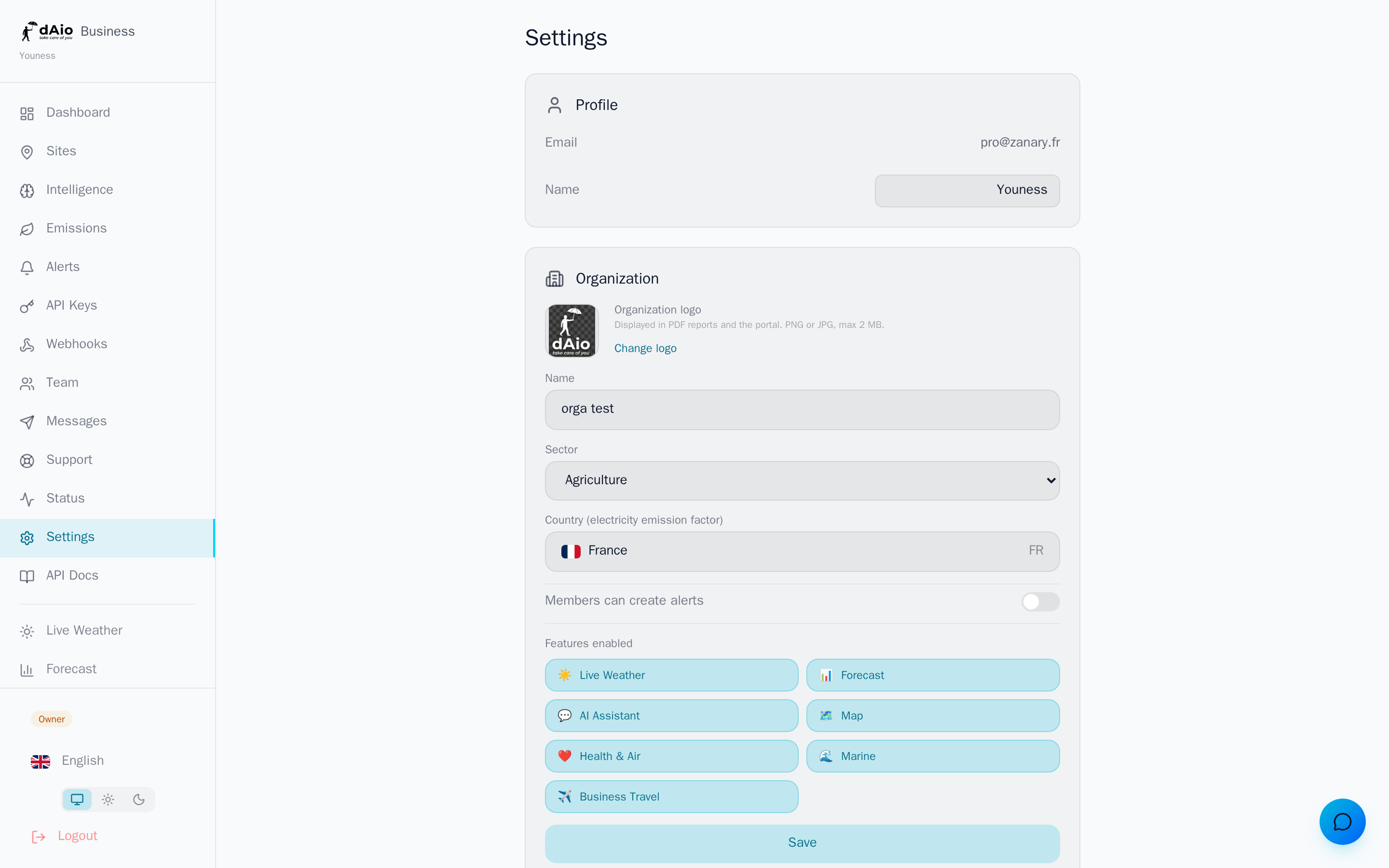
- The Log out button, at the bottom of Settings, ends the session and clears the device's tokens.
- Always log out of a shared computer, a work-site station or a shared tablet.
Caution: simply closing the browser tab does not log you out. On a device that isn't yours, always use Log out.
Phone verification
The phone number associated with your profile is used to receive critical alerts by SMS and WhatsApp. Verifying it ensures that only valid contacts receive your sensitive notifications:
- In Settings, enter your number and its country code.
- Enter the code received by SMS to confirm ownership of the number.
- Once verified, the number becomes a trusted channel for your alerts.
Roles and permissions
Access control follows the principle of least privilege: each member has only the rights needed for their work.
- Every action is verified server-side, never only in the interface.
- Members only see the sites assigned to them.
- Sensitive actions (deletion, billing, seat management) are reserved for the owner and administrators.
See team management for the full role matrix and site assignment.
Tip: apply least privilege both at onboarding and offboarding. Grant the most restrictive role that is sufficient, and immediately revoke access for a collaborator leaving the organization.
Data encryption
Your data is protected both in transit and at rest.
| Level | Method |
|---|---|
| In transit | TLS 1.3 (HTTPS) for all communications between your devices and dAio. |
| At rest | AES-256 encryption of sensitive data. |
| API keys | Stored as a hash, never in plaintext. |
| File storage | Server-side encryption via Cloudflare R2. |
Privacy and GDPR compliance
dAio complies with the General Data Protection Regulation (GDPR) and gives you control over your information directly from your Settings, Data & Account section.
| GDPR right | How to exercise it in dAio |
|---|---|
| Access and portability | Export my data button: full download in standard JSON format. |
| Rectification | Edit your profile and organization information at any time. |
| Erasure | Delete my account button: complete erasure within 30 days. |
| Consent | Explicit opt-in for marketing communications. |
Export your data
In Settings > Data & Account, click Export my data. dAio generates a JSON file containing all your information, ready to be archived or transferred.
Delete your account
Account deletion is permanent. To prevent mistakes, dAio requires explicit confirmation:
- In Settings > Data & Account, click Delete my account.
- Enter your exact email address to confirm.
- Confirm: the account and associated data are erased within 30 days.
Caution: account deletion is irreversible. Export your data beforehand if you want to keep a copy. If you are an organization owner, transfer ownership or close the subscription before deleting your account.
For any request regarding your personal data, the data protection officer (DPO) can be reached at [email protected].
Data retention
dAio keeps your data only for as long as needed to provide the service.
| Data type | Retention period |
|---|---|
| Weather data | Rolling 2 years |
| Emissions and reports | Subscription duration + 30 days |
| Activity logs | 12 months |
| Messages | 6 months |
| Deleted account | Erasure within 30 days |
Infrastructure
- Hosting on Cloudflare infrastructure (global network).
- PostgreSQL database with daily backups.
- Redis cache for real-time data.
- Backups stored on Cloudflare R2 (geo-redundant).
Best practices
- Strong, unique password: long, specific to dAio, kept in a password manager.
- Log out on shared machines: always use the Log out button outside your personal device.
- Least privilege: assign each member the most restrictive role that is sufficient, and revoke access when a collaborator leaves.
- Partition by site: assign members only the sites they actually need.
- Verify your contact details: a verified phone number guarantees receipt of your critical alerts.
- Export regularly: keep a copy of your data via the GDPR export before any sensitive operation.
Info: for any question or security report, contact [email protected].